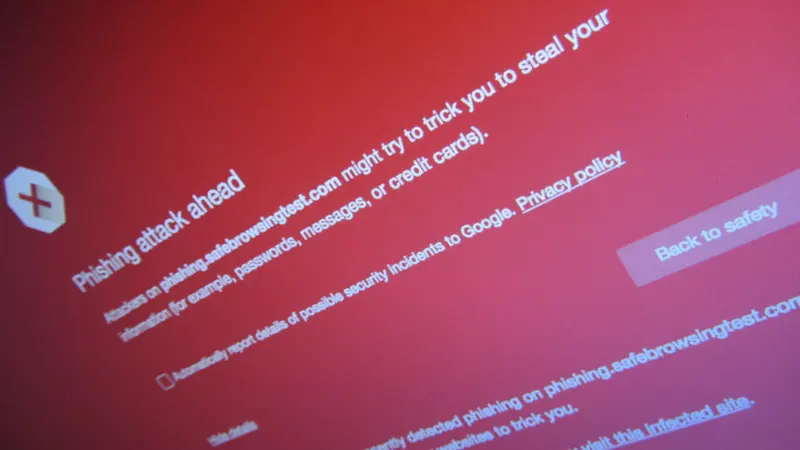
Phishing emails and texts: how to spot them and where to report them
Scam emails and texts pretend to come from banks, delivery firms, HMRC or your own IT team. The five warning signs the National Cyber Security Centre lists, how to report a message free (report@phishing.gov.uk and 7726), and what to do if you’ve already clicked or replied.

Working from home means a lot of email, and a lot of it arrives with no colleague nearby to ask “does this look right to you?”. Phishing is the name for scam emails, texts and calls that try to trick you into clicking a link, opening an attachment, or handing over passwords, bank details or money. This guide sums up what the National Cyber Security Centre (NCSC), part of GCHQ, says about spotting and reporting them.
Five warning signs
The NCSC lists five tricks that scam messages use. Ask yourself whether a message relies on any of them:
- Authority. Does it claim to be from someone official, such as your bank, a government department or a senior manager? Criminals often pretend to be important people or organisations.
- Urgency. Are you told you have a limited time to act, or threatened with a fine or another bad outcome?
- Emotion. Is it designed to make you panic, or to make you fearful, hopeful or curious?
- Scarcity. Is it offering something in short supply, so you feel you have to act fast?
- Current events. Were you expecting a message like this? Criminals use the news, big events and times of year, such as when tax returns are due. Our blog post on fake HMRC messages covers the January peak.
Check by another route
If a message makes you suspicious, stop and don’t reply or click. The NCSC’s advice is to contact the organisation directly, but not with the phone number, email address or link in the message. Use the details from its official website, or from a paper statement or the back of your bank card.
The NCSC also says that your bank, or any other official source, will never ask you for personal information by email, or call you to confirm your bank account details. If a caller seems wrong, hang up and call back on a number you know.
How to report a scam message
Reporting is free, and the NCSC says it acts on every message it receives. It can work with hosting companies to take scam websites down.
- Emails: forward them to report@phishing.gov.uk. Don’t click any links first. You don’t need to forward messages your email has already put in the spam or junk folder.
- Texts: forward them free to 7726. If that doesn’t work, contact your phone provider. You can also send a screenshot of a scam text or QR code to report@phishing.gov.uk.
- Websites: report them using the NCSC’s scam website reporting form, linked from its phishing pages.
If you’ve already clicked or replied
The NCSC’s what to do page sets out these steps:
- Clicked a link or downloaded something? Open your antivirus software, if you have it, run a full scan and let it fix any problems it finds.
- Gave away a password? Change it on every account that uses it. If a passkey is available, you could use that instead. See our guide to passwords, passkeys and 2-step verification.
- Gave away bank details? Contact your bank and tell them.
- Lost money, or been hacked? Tell your bank and report it as a crime. In England, Wales and Northern Ireland that’s Report Fraud (reportfraud.police.uk, or 0300 123 2040). In Scotland, call Police Scotland on 101.
- Did it arrive on a work laptop or work account? Tell your IT department straight away, even if you think nothing happened.
Making yourself a harder target
The NCSC points out that criminals use what they can find online, including on social media, to make their messages more convincing. It suggests thinking about what you and others post and checking your privacy settings. Strong, separate passwords and 2-step verification mean a stolen password is less use to a criminal, and regular backups help you recover from a virus. See the 3-2-1 backup rule.
Students and homework accounts
The same warning signs and reporting routes apply to school, college and university accounts. Our guide to keeping homework and coursework safe covers protecting your work.
Sources
- NCSC: Phishing scams — how to spot and report them (checked 23 November 2026)
- NCSC: How to spot a scam email, text message or call (checked 23 November 2026)
- NCSC: Report a scam email (checked 23 November 2026)
- NCSC: Report a scam text message (checked 23 November 2026)
- NCSC: What to do if you’ve shared personal information (checked 23 November 2026)
Checked 23 November 2026.